Holiday peak season is the busiest, most demanding stretch of the year for retail, warehousing, and logistics teams. Store traffic surges, order volumes climb, and many organizations bring on seasonal associates to keep up.
Through all of it, frontline teams depend on shared enterprise devices like handheld scanners, mobile POS units, and tablets. When a device is missing, uncharged, or assigned to the wrong person, the impact shows up fast: longer lines, slower picking, and frustrated employees. The good news is that a little preparation now can keep your device fleet running smoothly from Black Friday through the new year.
Why peak season puts pressure on your devices
The same devices that function in a normal month can become a bottleneck when demand spikes. Without the right system in place, a few common challenges tend to show up at the same time. ARC is built to help teams stay ahead of them, keeping devices tracked, charged, and ready even during the busiest weeks of the year. Here’s what ARC helps you avoid:
More people sharing the same devices. Seasonal hires and extra shifts mean each device changes hands more often, which makes it harder to track who has what.
New employees who don’t know the process yet. Temporary staff are still learning where devices live, how to check them out, and where to return them at the end of a shift.
Higher risk of loss and shrink. When devices pass through more hands with less accountability, more of them go missing or get damaged.
Charging gaps between shifts. Back-to-back shifts leave little time to recharge, so associates can start their day with a device that won’t last.
IT and managers stretched thin. The teams who normally hand out, track, and troubleshoot devices have less time to do it during the busiest weeks of the year.
ARC tips for peak season
ARC is proud to support teams throughout the year, and especially during peak holiday season. To help prepare your team, we’ve put together helpful tips, reminders, and options our partners can take advantage of to make life easier. If you don’t have ARC yet, read on to learn how ARC assists with device management during the busiest and “most wonderful” time of the year.
Ahead of peak
1. Perform a team member audit
Refresh worn Badge IDs. Make sure existing employee Badge IDs aren’t peeling or fading. Replace any that are, then update them in the Client Portal.
Deactivate former team members. Remove anyone who is no longer with your company from the Client Portal to keep your user list accurate.
Set up new and temporary team members. Register seasonal staff in the Client Portal so they have ARC access from their very first shift. As part of onboarding, train them on what’s expected: devices need to be returned to ARC at the end of every shift. If a device isn’t returned, they won’t be able to check out another one on their next shift.
Request extra Badge ID stickers early. Email [email protected] with the quantity you need, your mailing address, and any other relevant details. If temporary team members don’t have physical badges, ARC can order blank plastic badges on your behalf and pre-sticker them with Badge IDs at your request.
2. Perform a device audit
Refresh worn Device IDs. Check that existing Device ID stickers aren’t peeling or fading. Replace any that are worn and update them in the ARC Client Portal. Clear, scannable Device IDs make it easy for team members to return devices to ARC without any trouble, so more devices stay available for those busy shift changes.
Deactivate devices that are lost, missing, out for repair, or damaged beyond repair. Removing them from the ARC Client Portal keeps your device counts and reports accurate, so you know exactly how many working devices your team has heading into peak.
Register extra devices for peak season. Now that you’ve cleared out old devices, you have room for more! Load overstock or newly purchased devices into the ARC Client Portal and kiosks so associates have the tools they need during your busiest shifts.
Request extra Device ID stickers early. Email [email protected] with the quantity you need, your mailing address, and any other relevant details.
3. Re-engage your leadership team on ARC oversight
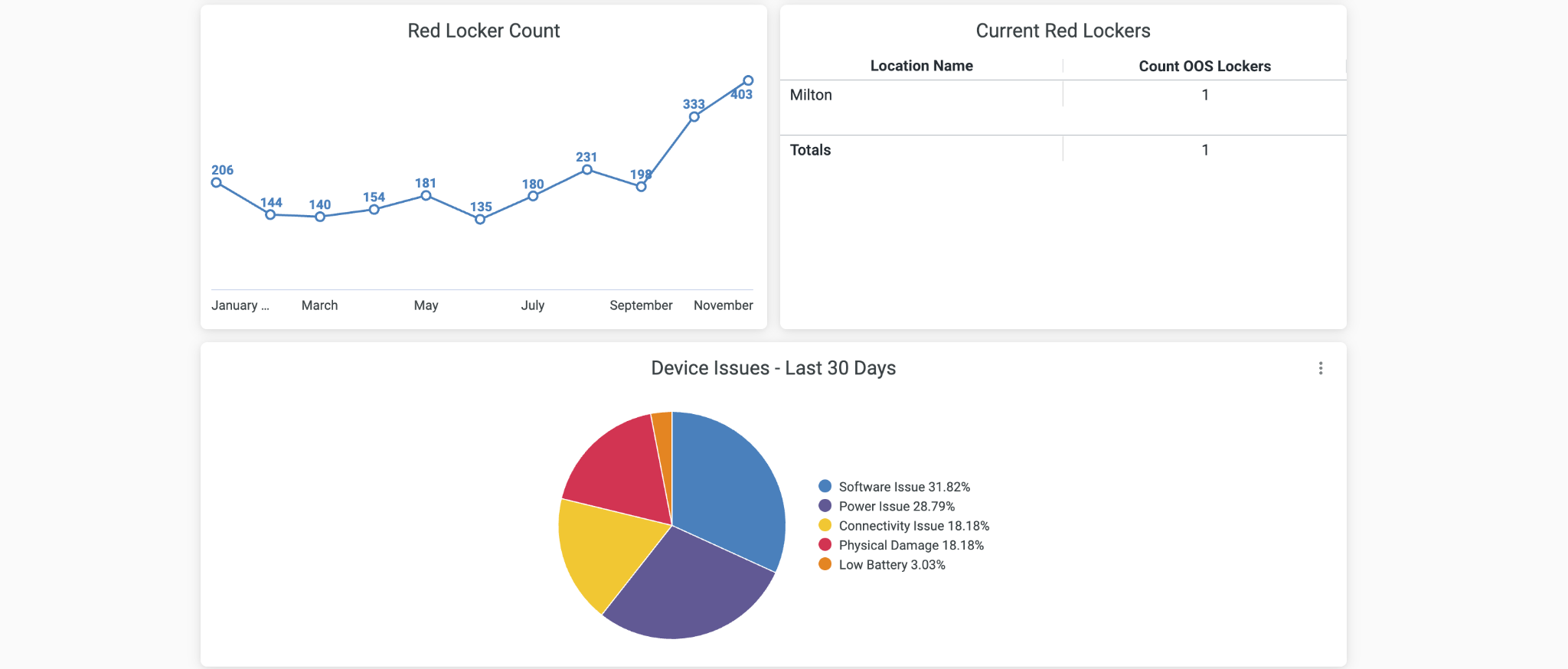
Make sure every leader knows how to read reports, perform overrides, troubleshoot red lockers, and activate and deactivate team members and devices. ARC can help too, let our client success team know if you’d like to schedule a refresher training session for new associates and managers.
4. Train new employees and leaders
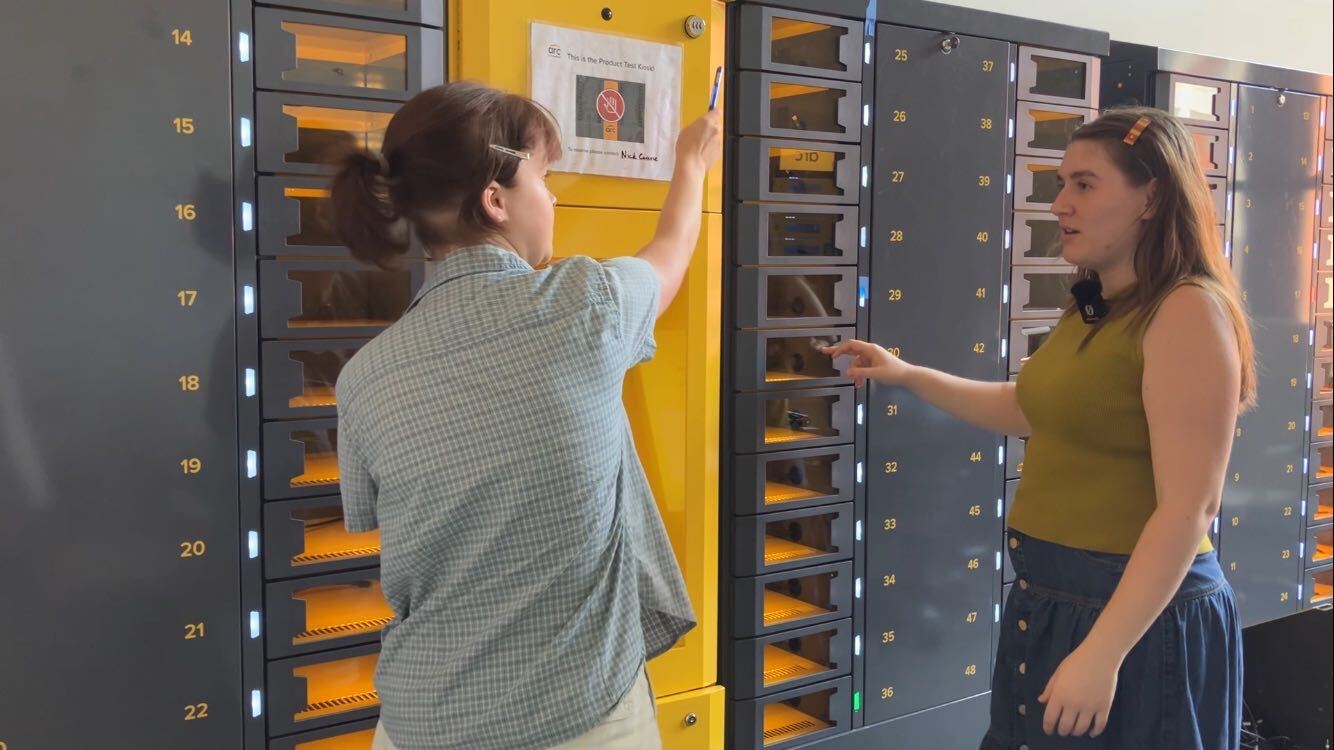
Walk new team members and leaders through the parts of the ARC system that apply to their roles.
During and After Peak Season
During peak
Keep spare batteries close. Place spare batteries and battery charging stations near ARC for quick access.
Increase your leadership team’s ARC monitoring.
Make sure all leaders have the right access to ARC kiosks and the ARC Client Portal.
Review reports once per shift.
Address red lockers once per shift.
Follow up with team members on overdue devices once per shift.
After peak
Deactivate temporary team members who are no longer with your company, using the steps above.
Deactivate devices that are lost, missing, out for repair, or damaged beyond repair, using the steps above.
Celebrate! You made it through peak season. With ARC keeping devices tracked, charged, and ready, your team spent less time searching for equipment and more time serving customers. Here’s to a fast, easy, and successful season!
ARC is here to help. Feel free to contact us at any time!
Email us at [email protected] for peak device strategy questions, or to order Badge and Device IDs for your location. Your ARC Account Representative will ensure your request is processed.
Don’t have ARC yet? Reach out to [email protected] to learn more about how ARC can transform your device management strategy.
How ARC helps during peak season
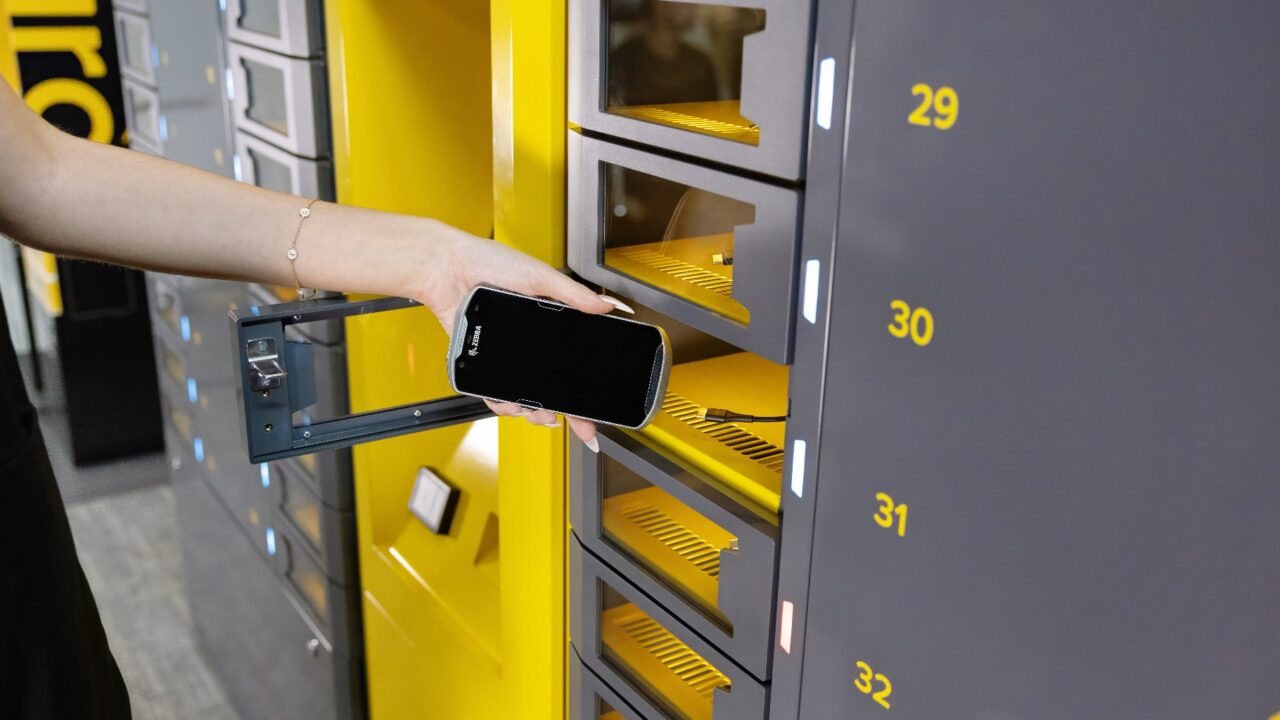
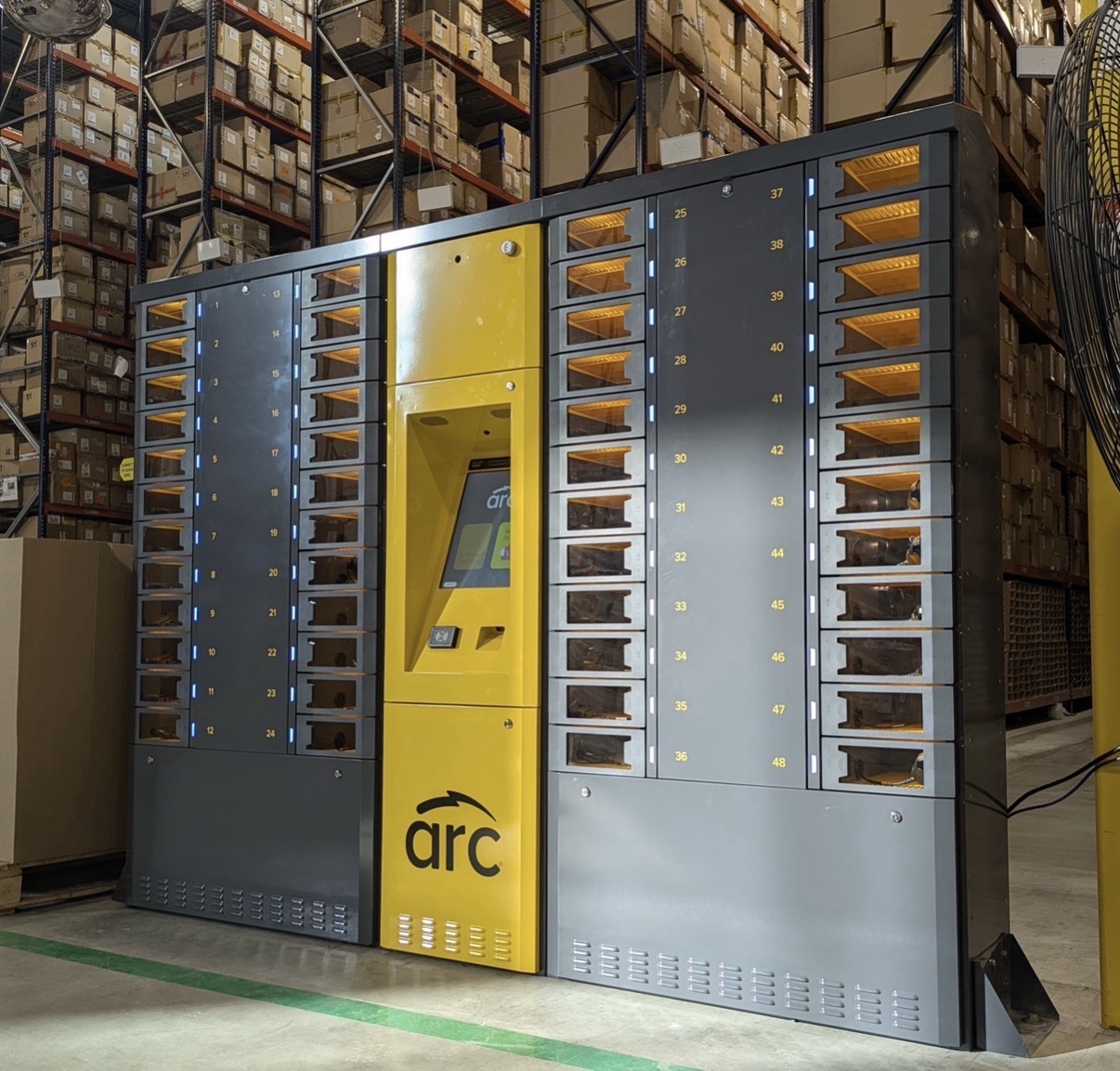
ARC is a secure, self-service kiosk that gives employees quick, easy access to the devices they need to do their jobs. During peak season, that means:
Faster starts to every shift. Employees, including new seasonal hires, can get a device on their own without waiting for a manager or IT.
Devices that are charged and ready. ARC stores and charges devices between uses, so associates start each shift with a device that lasts.
Accountability built in. Each checkout and return is tracked, so you know who has every device. The client portal gives managers visibility across locations.
Less time spent managing devices. Teams can focus on customers and orders instead of tracking down equipment.
Get your fleet ready for the busiest season of the year
Peak season doesn’t have to mean missing devices, dead batteries, and stressed-out teams. With the right preparation and the right tools, your frontline employees can stay focused on serving customers and moving orders.
Want to see how ARC can support your teams this holiday season and beyond? Get in touch with us to learn more, and stay tuned for where you can see ARC in person at upcoming tradeshows.